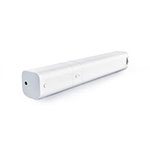
The Aqara Hub is a Matter bridges by Aqara. This device is Matter certified. It works with Home Assistant, Google Home, Apple HomeKit, Amazon Alexa and Homey.
Compatibility
Compatibility data may be incomplete. Useorto indicate whether it matches your experience.
Shop Aqara on Amazon
Browse current Aqara smart home products and deals on Amazon.
Featured Aqara devices
See all →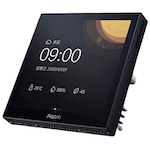
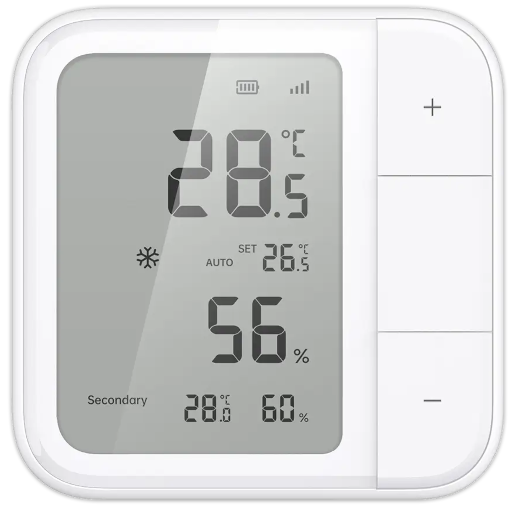
Setup instructions
1. Open the Aqara Home app, sign up and log in to your Aqara account. 2. Add the Hub and its Zigbee child devices to your Home. 3. Go to “Accessories”, then select the Hub and go to the device details page, tap “More settings” , tap “Bind to Matter” to enter commissioning mode, scan the Matter QR code to add the Hub M2 and its child devices to your Matter ecosystem app;
Frequently asked questions
Is the Aqara Hub compatible with Home Assistant?
Yes — the Aqara Hub is Matter-certified, so it pairs natively with Home Assistant over the built-in Matter integration. No third-party add-on required.
Does the Aqara Hub work with Google Home?
Yes — the Aqara Hub works with Google Home over Matter and can be added directly from the Google Home app's "+" menu. A Matter-capable hub (such as a Nest Hub 2nd gen) is required.
Is the Aqara Hub compatible with Apple Home?
Yes — the Aqara Hub works with Apple Home over Matter. Add it from the Home app using the "+" button; a Matter-capable Apple hub (HomePod mini, HomePod 2nd gen, or Apple TV 4K) is required.
Does the Aqara Hub work with Amazon Alexa?
Yes — the Aqara Hub works with Amazon Alexa over Matter on supported Echo devices (4th gen and newer Echo, Echo Show 8 and 10, etc.). Add it from the Alexa app.
Is the Aqara Hub compatible with Homey?
Yes — the Aqara Hub works with Homey over Matter (supported on Homey Pro running recent firmware).
What protocol does the Aqara Hub use?
The Aqara Hub communicates over Matter. It is also Matter-certified, which extends compatibility to any Matter controller.
Data: matter · Matter certified
← Back to results