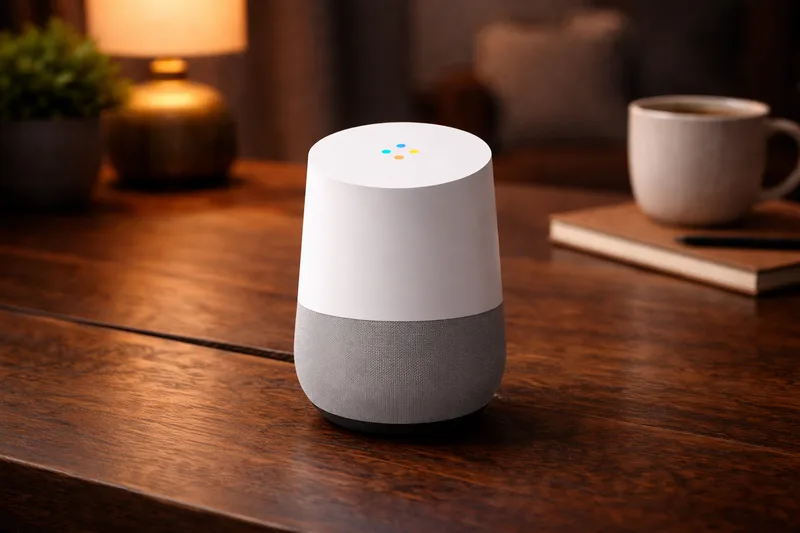
What is Google Home?
Google Home is Google's smart home system: the Google Home app, voice control on Nest speakers and displays, and Google's own Nest thermostats, cameras and doorbells. Third-party devices connect alongside the Nest ones.
About 4,600 devices in our database have confirmed Google Home support: around 2,100 Matter certified, 1,600 Zigbee and 840 Z-Wave. See the full list on Google Home compatible devices.
How do devices connect?
Wi-Fi devices usually connect through the maker's cloud ("Works with Google Home"): you link your account with theirs in the app. Matter devices pair directly with the code on the device. For that you need a Google device that acts as a Matter hub, such as a Nest Hub (2nd gen), Nest Hub Max, Nest Wifi Pro or Google TV Streamer; the same devices are Thread border routers for Matter over Thread.
Google Home has no Zigbee or Z-Wave radio. Zigbee devices connect through their maker's bridge (Hue Bridge, IKEA DIRIGERA, Aqara hubs) and Z-Wave devices through a hub such as SmartThings or Home Assistant.
Where Google Home falls short
It's cloud-based, so most voice commands and many automations depend on the internet. Automations have become more capable, with a script editor for advanced use, but they're still simpler than in Home Assistant. It suits a home built around voice control and Nest devices.
Getting started
- Install the Google Home app and sign in with your Google account.
- Set up a Nest speaker or display; a Nest Hub (2nd gen) also covers Matter and Thread.
- Add devices with the + button: Matter devices by code, others by linking the brand's account.
- Put devices in rooms, then create automations in the Automations tab.
If you use Home Assistant, you can keep Google's speakers for voice and let Home Assistant run the automations.