Z-Wave Compatible Devices
Smart home devices that use the Z-Wave wireless protocol. Every device on this page is in the Z-Wave JS device database, meaning it has been tested and confirmed to work with Home Assistant, Hubitat, openHAB, Z-Wave JS UI and other Z-Wave-aware platforms via a Z-Wave controller.
How Z-Wave compatibility works
Z-Wave is a low-power wireless mesh protocol designed specifically for home automation. It runs on a sub-1 GHz radio (868 MHz in Europe, 908 MHz in North America) which means it does not compete with Wi-Fi for airtime. That is why Z-Wave networks are famously reliable.
To use Z-Wave devices you need a Z-Wave controller, a USB stick or hub that creates the network. Popular controllers include the Home Assistant SkyConnect (which does Z-Wave too), Aeotec Z-Stick 7, Zooz ZST39 700-series stick and the Zooz ZST10 800LR. The controller runs Z-Wave JS, the open-source Z-Wave stack used by Home Assistant, Hubitat and others.
Devices on this page are in the Z-Wave JS configuration database. If a device has a config file, Z-Wave JS knows how to expose its parameters and behave correctly during pairing, so it works out of the box on any Z-Wave JS-based platform.
New to Z-Wave? Read our Z-Wave introduction for buying advice, the difference between 500-, 700- and 800-series, and tips for designing a reliable mesh. Weighing alternatives? Read Zigbee vs Z-Wave vs Matter for a head-to-head.
Need a Z-Wave controller?
Aeotec Z-Stick 7, Zooz ZST39 / ZST10 800LR and Home Assistant SkyConnect are all USB sticks that run Z-Wave JS.
Works with these ecosystems
Browse by category
Featured devices
See all 4,547 →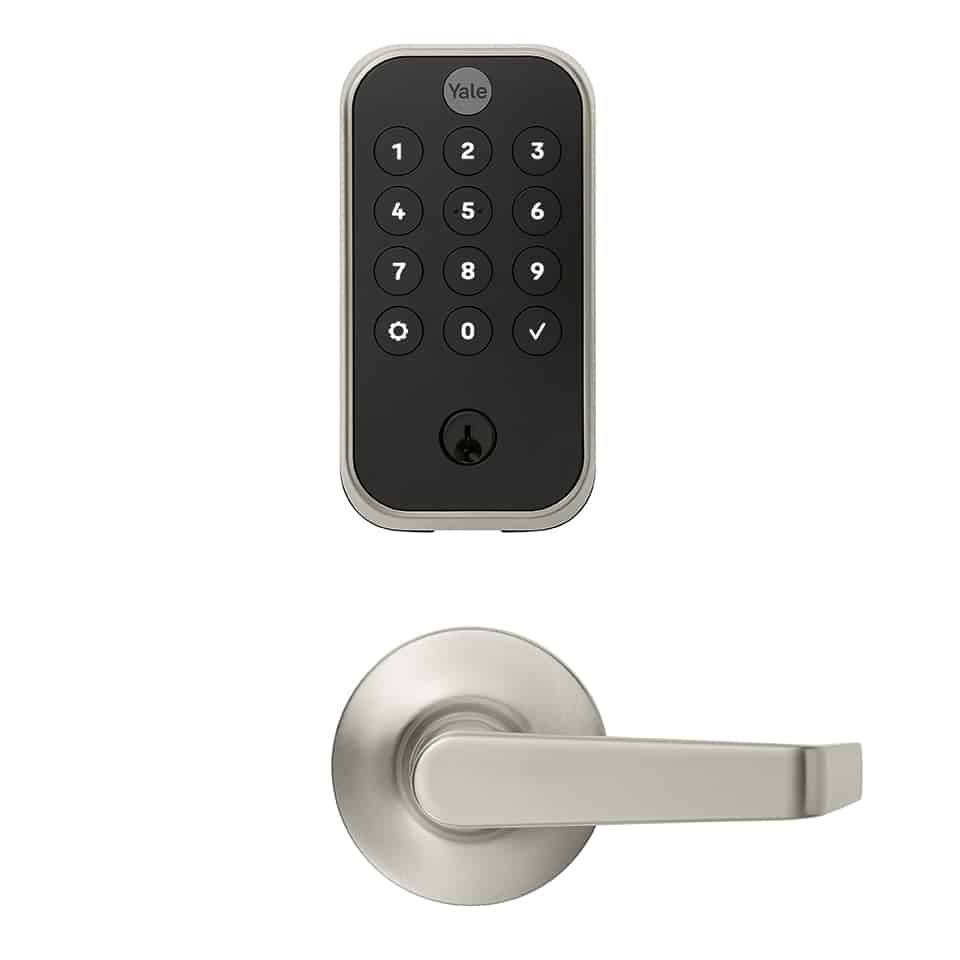
Yale
Yale Pro® 2 Interconnected Lock with Z-Wave
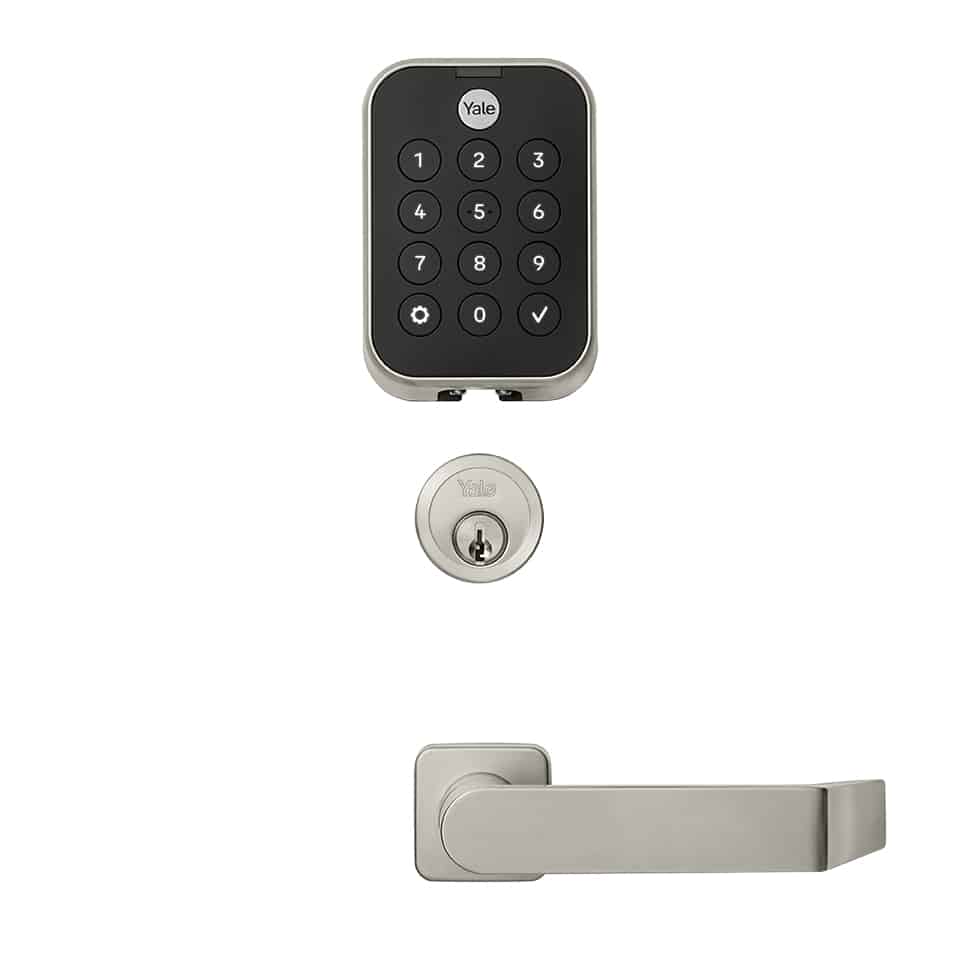
Yale
Yale Pro® 2 Mortise Lock with Z-Wave

Inovelli
Smart On/Off Switch
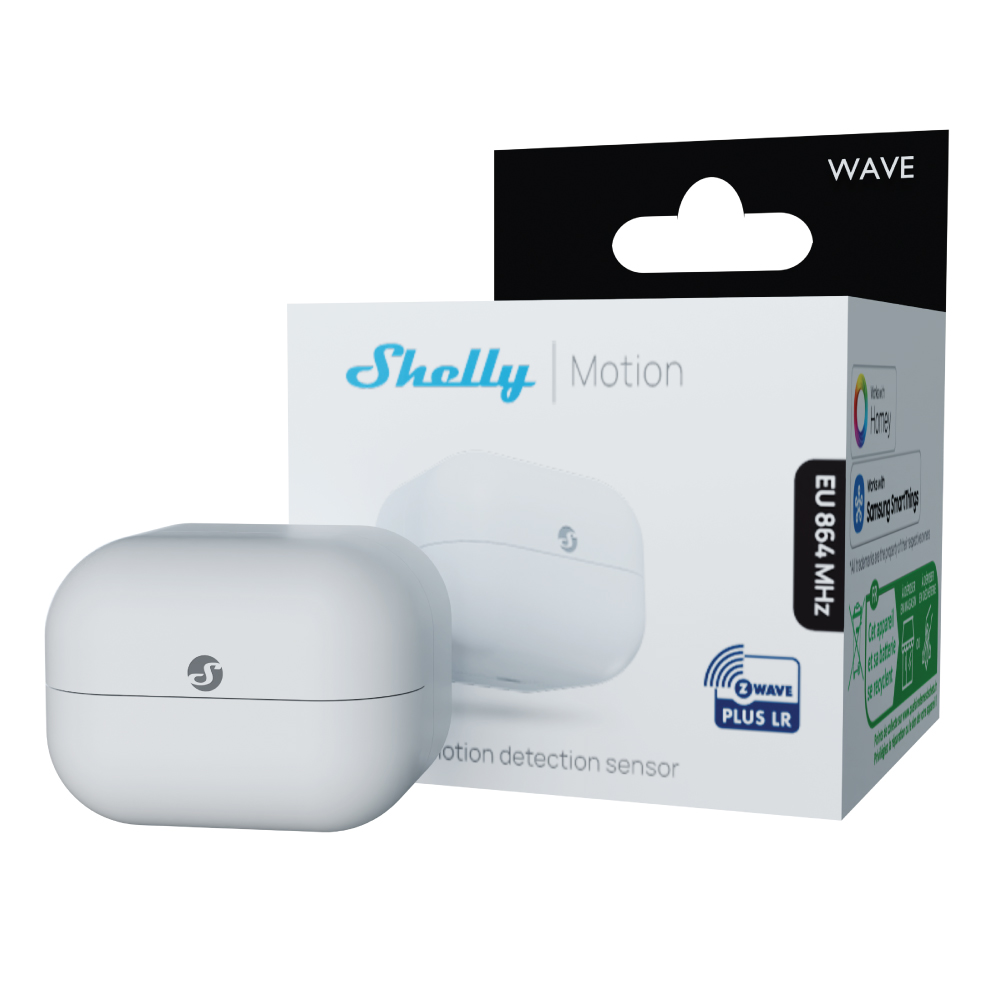
Shelly
Wave Motion EU LR
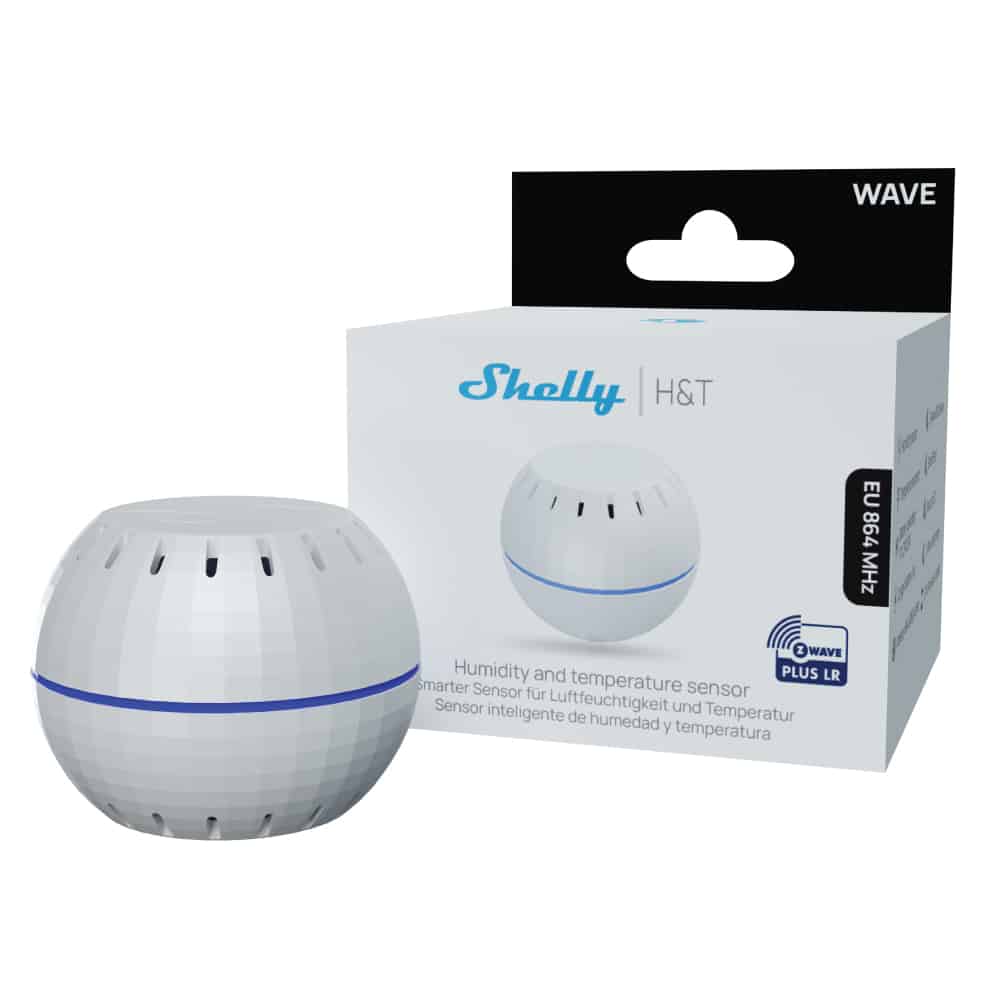
Shelly
Shelly Wave H&T LR
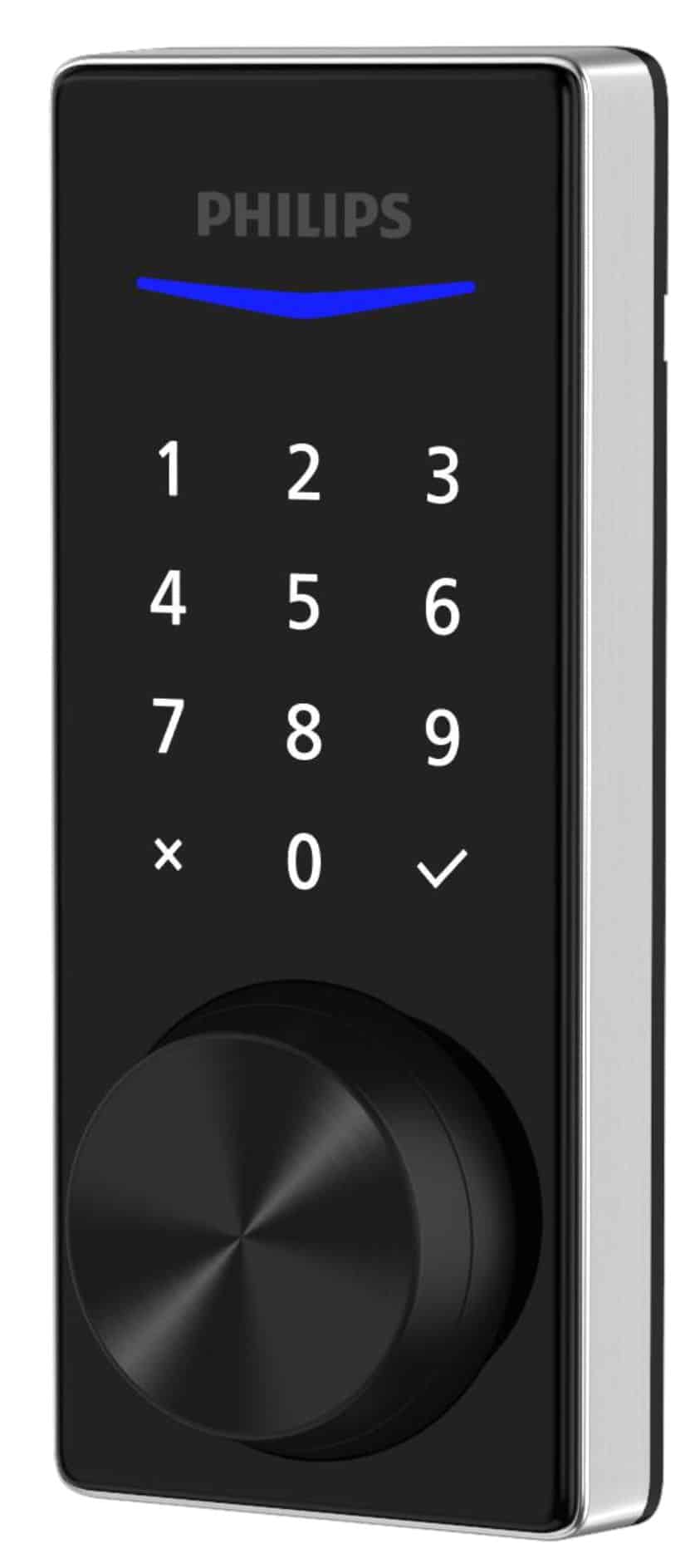
Philips
Philips Home Access keyed touchscreen deadbolt

Danfoss
Battery Powered Z-Wave enabled Thermostat
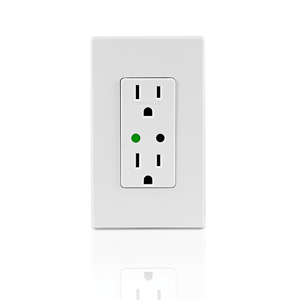
Vizia RF+
Leviton VRR15
Jasco Products Company
Lighting Control Advanced Remote, Thermostat Control, 18 Lights/Groups/Scenes

Vizia RF+
VRCZ4-MR
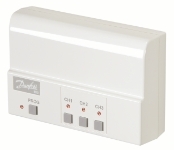
Danfoss
RXZ – RF Relay switching unit
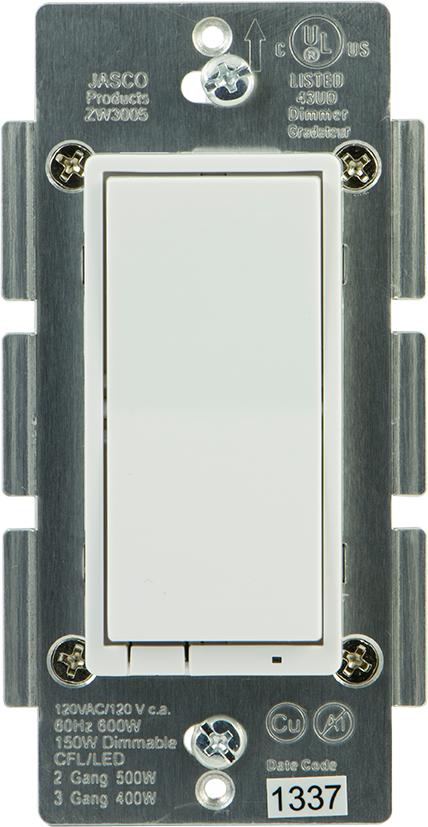
Jasco Products Company
In-Wall Decora Style Incandescent Light Dimmer, No Neutral, White, (Included Only in 45613 kit)
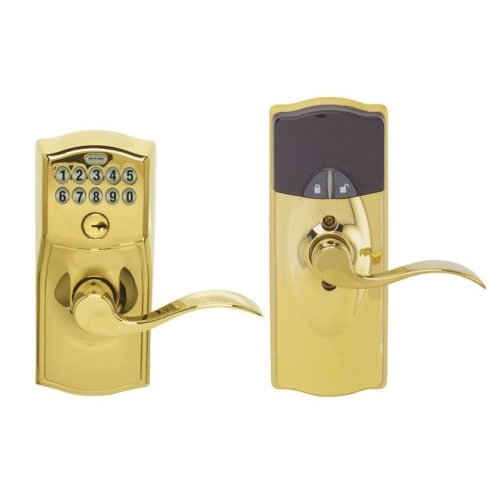
Schlage
CKPD FE599 Z-Wave Lock
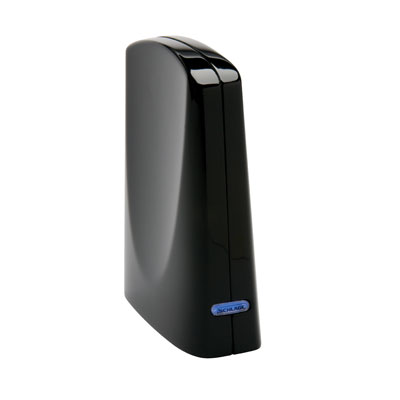
Schlage
Schlage LiNK Bridge
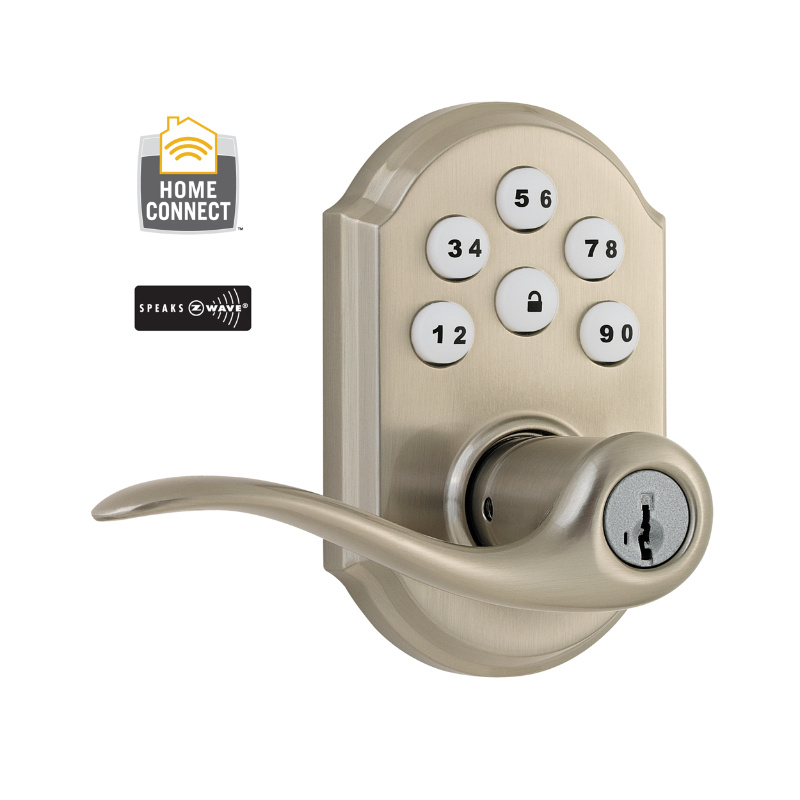
Kwikset
Kwikset Smart Code with Home Connect Technology
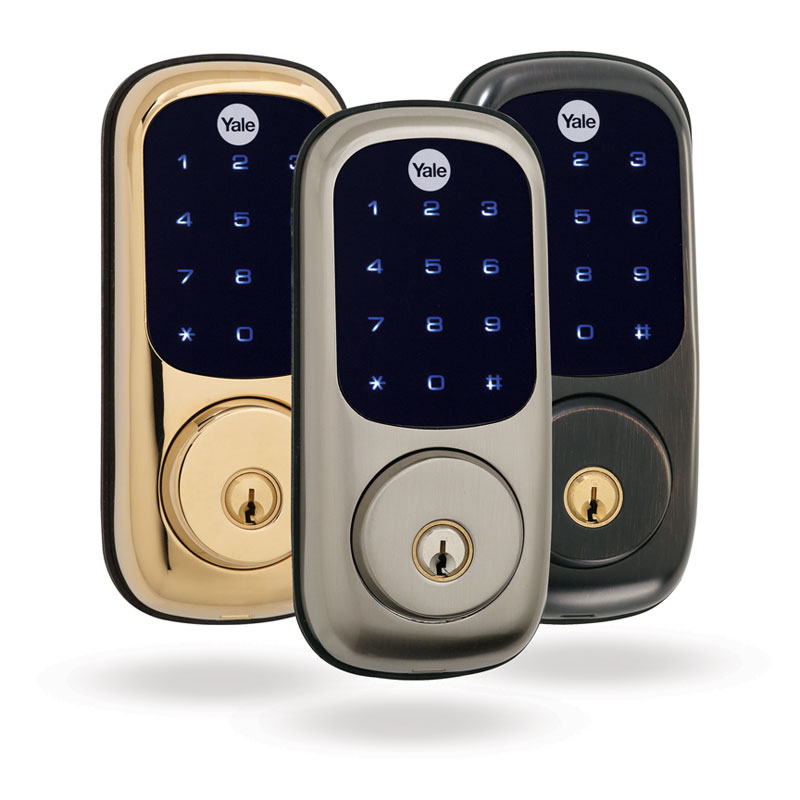
Yale Locks & Hardware
Yale Real Living Touchscreen Deadbolt
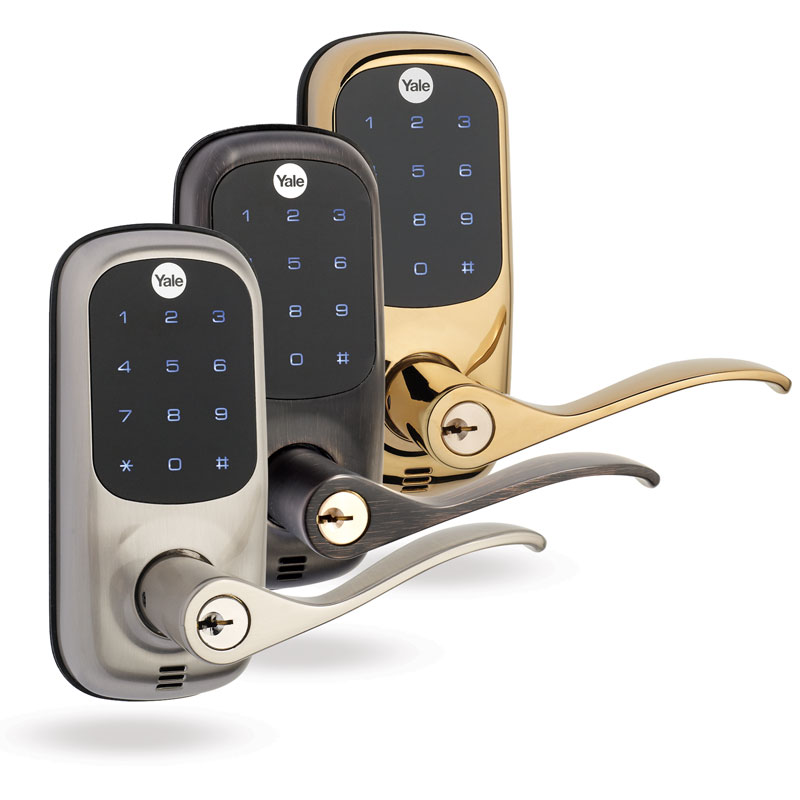
Yale Locks & Hardware
Yale Real Living Touchscreen Lever Lock
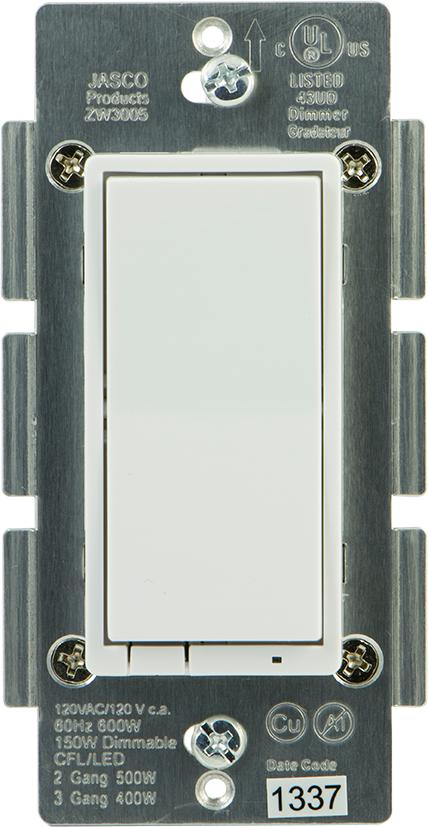
GE
In-Wall Decora Style Incandescent Dimmer Switch, No Neutral, White

GE
In-Wall Decora Style ON/OFF Relay Switch, Neutral Required, White
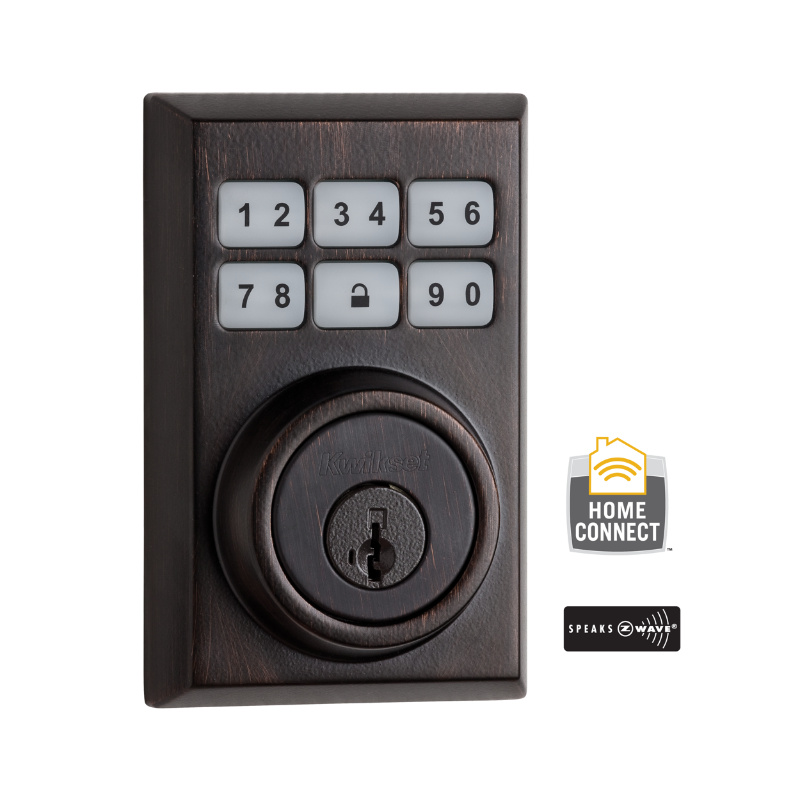
Kwikset
Kwikset Lock
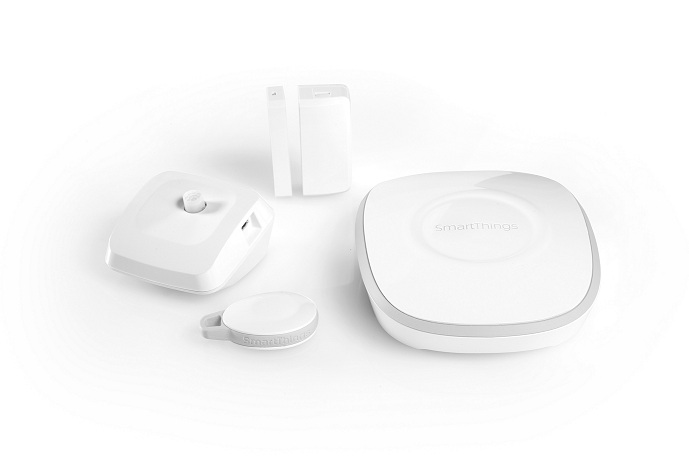
SmartThings
SmartThings Hub

Devolo
Devolo Z-Wave RS 014G0159
Frequently asked questions
What devices use Z-Wave?
Z-Wave is popular for in-wall switches and dimmers, door locks (Yale, Schlage, Kwikset), motion and contact sensors, smart blinds, smart valves and thermostats. North American homeowners particularly favour Z-Wave for retrofitting smart switches because the protocol is reliable and runs in the sub-1 GHz band, away from Wi-Fi noise.
Do I need a Z-Wave hub?
You need a Z-Wave controller, either a USB stick or a hub. Common picks include Home Assistant with a SkyConnect (or Aeotec Z-Stick 7, Zooz 700/800 series) running Z-Wave JS. You can also use vendor hubs like the Aeotec SmartThings Hub, but these tie you to that vendor's app.
Are Z-Wave devices interoperable across brands?
Yes, much more so than Zigbee. Z-Wave certification is strict and devices are required to implement standard command classes correctly. Mixing Aeotec, Zooz, Yale, Fibaro and Inovelli on the same network is normal and works without per-device configuration headaches.
Does Z-Wave work with Apple Home or Google Home?
Not directly. Z-Wave devices are exposed through a hub. Home Assistant or SmartThings can bridge Z-Wave to Apple Home, Google Home, and Alexa with the right configuration. Some vendor hubs (Aeotec SmartThings, Hubitat with the right apps) also offer this bridging.
What are the 500/700/800 series in Z-Wave?
These are generations of the underlying Z-Wave chipset. 700-series added SmartStart pairing and lower power consumption. 800-series adds Long Range support (up to 1 mile point-to-point) and stronger encryption. New devices typically use 700 or 800 series. Older 500-series devices are still supported by Z-Wave JS but lack the newer features.
Ready to find a specific device?
Search all Z-Wave-compatible devices