Smart Home Hubs & Bridges
The radio backbone for Zigbee, Z-Wave, Thread and Matter. Pick the right one and the rest of your smart home falls into place.
About bridges
What are smart home hubs?
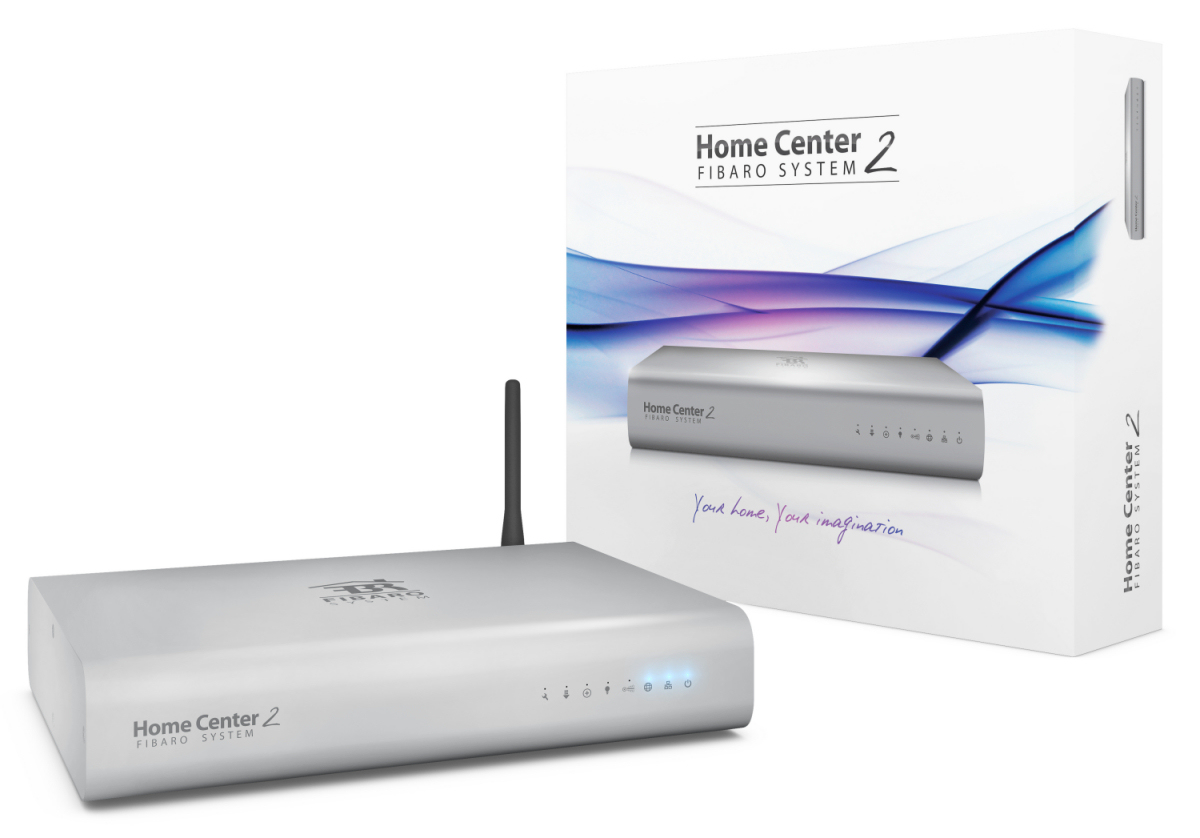
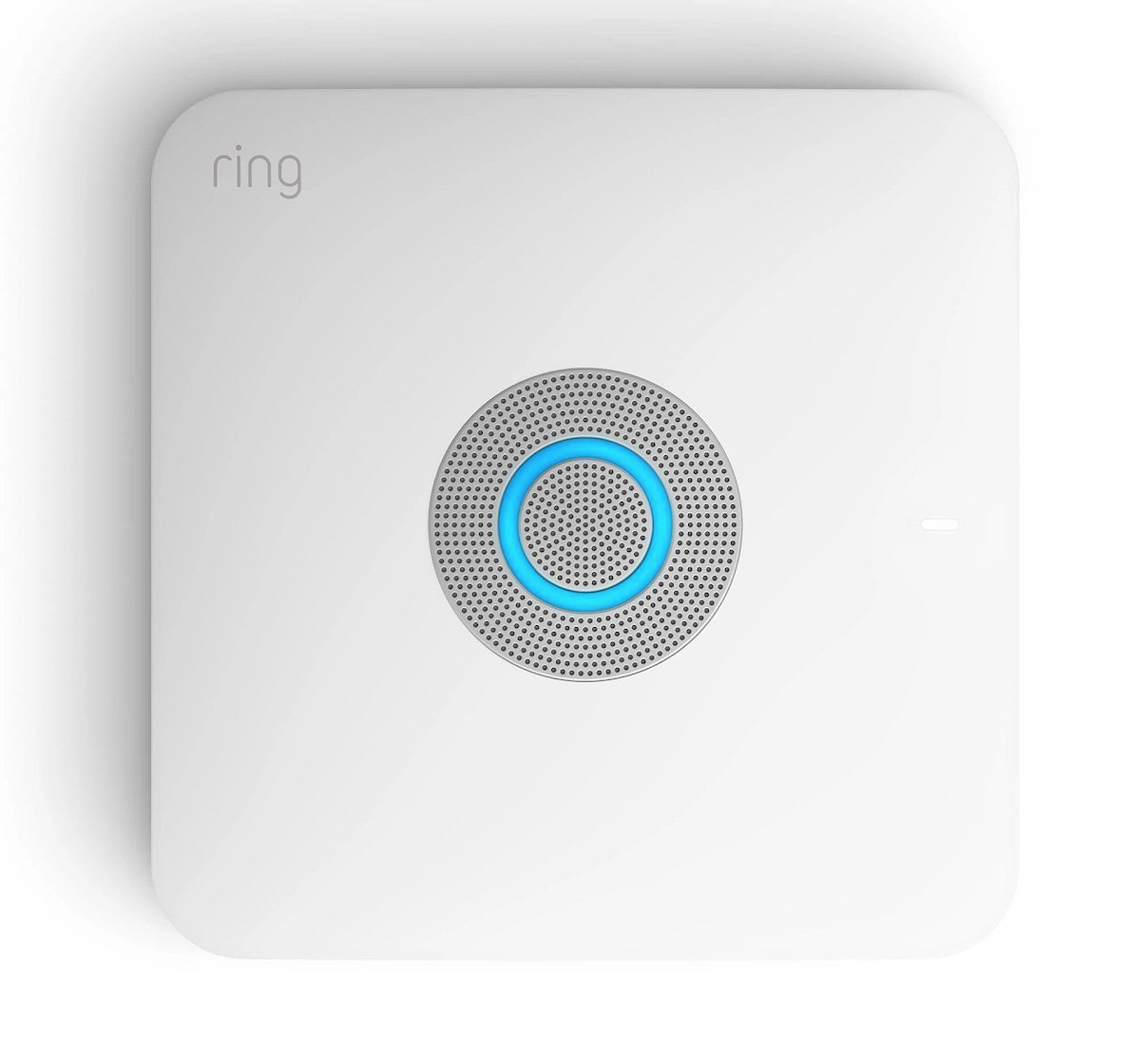
Hubs and bridges are the radios that talk to non-Wi-Fi devices and translate them onto your home network. A Zigbee or Z-Wave bulb can't reach your phone directly. It needs a hub that speaks both Zigbee/Z-Wave and Wi-Fi/Ethernet. Some hubs are vendor-locked (Hue Bridge, IKEA DIRIGERA, Aqara M3), some are open and protocol-agnostic (Home Assistant, SmartThings).
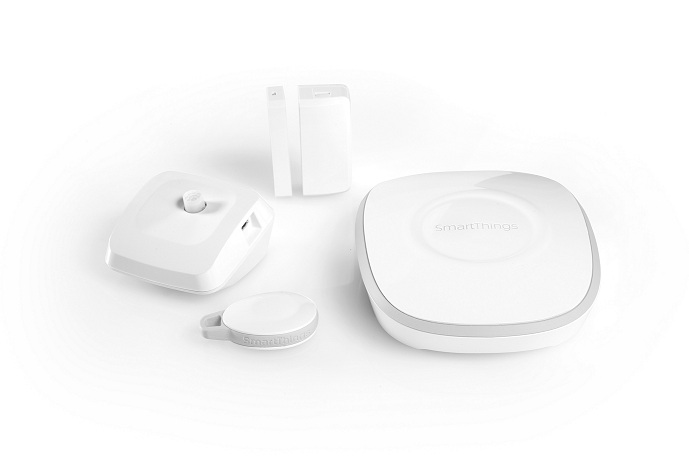
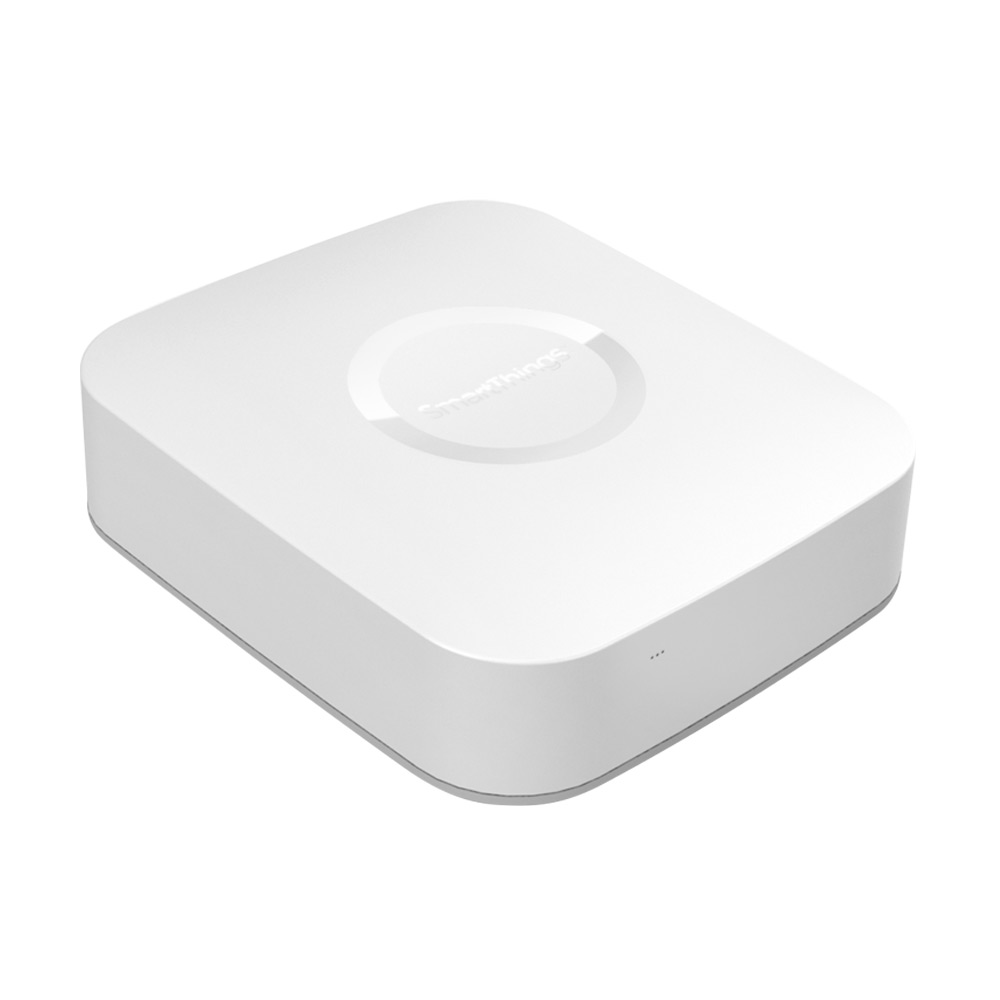
This category includes Zigbee coordinators (Hue Bridge, Sonoff ZBDongle, SLZB-06M, IKEA DIRIGERA), Z-Wave controllers (Aeotec Z-Stick, Zooz ZST10), Thread border routers (Apple TV/HomePod, Nest Hub, Aqara M3), multi-protocol hubs (Home Assistant Yellow, SmartThings Station), and vendor-specific gateways (Lutron Caseta SmartBridge, Lutron RA2 Select, Bose Music Hub).
Which protocols do hubs support?
A typical hub exposes one or more of: Zigbee (~90% of dedicated bulb-and-sensor ecosystems), Z-Wave (mains-powered switches and locks, especially in North America), Thread (low-power IPv6 mesh used by Matter), and Matter (vendor-neutral application layer that can run over Wi-Fi or Thread).
For most users, the right answer is Home Assistant + a Sonoff ZBDongle-E or HA SkyConnect as a starter Zigbee/Thread combo, or a HomePod mini / Apple TV if you're already inside Apple Home and just need a Thread border router.
Shop bridges on Amazon
Browse current bestsellers and deals matching “smart home hub”.
Featured devices
See all 649 →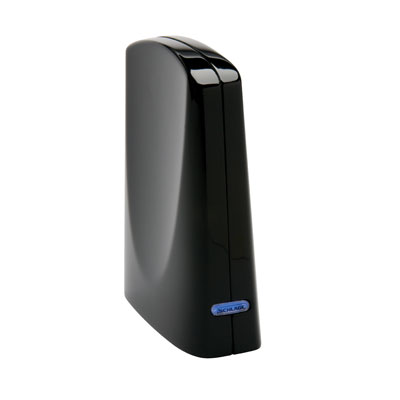
Common use cases
- Bridge a Zigbee or Z-Wave dongle into Apple Home, Google Home or Alexa
- Add a Thread border router so Matter devices roam between rooms
- Run Home Assistant locally to remove cloud dependencies
- Cover a large home with a Zigbee or Z-Wave mesh
- Combine multiple ecosystems behind one local controller
Bridges compatibility by ecosystem
Home Assistant
Devices confirmed via Zigbee2MQTT, Z-Wave JS, or Matter DCL.
649 devices
Google Home
Devices listed as compatible via Matter or Google Home integrations.
178 devices
Apple Home
Devices listed as compatible via Matter or HomeKit.
163 devices
Amazon Alexa
Devices listed as compatible via Matter, Zigbee, or Alexa skills.
178 devices
Browse by protocol
Related categories
Frequently asked questions
Do I need a hub to use a smart home?
If you stick to Wi-Fi or Matter-over-Wi-Fi devices, no. As soon as you add Zigbee, Z-Wave or Thread devices, you need at least one hub or USB coordinator. Even all-Wi-Fi setups benefit from a local hub like Home Assistant for reliability when the internet drops.
What is a Thread border router?
A Thread border router bridges Thread (a low-power mesh used by many Matter devices) to your Wi-Fi network. Common ones live inside an Apple TV 4K, HomePod mini, Google Nest Hub (2nd gen), Amazon Echo (4th gen+) and Aqara M3. You usually have one already without realizing it.
Should I pick Zigbee, Z-Wave or Matter for a new install?
For a new install starting today, Matter-over-Thread is the safest long-term bet: vendor-neutral, works across Apple/Google/Alexa, and the ecosystem is expanding fast. Zigbee remains the strongest for cheap, varied lighting and sensors. Z-Wave excels for North American mains-powered devices (switches, locks).
Can one hub replace several?
Often, yes. Home Assistant with a multi-protocol stick (HA Yellow, SLZB-06M, ZBT-1) handles Zigbee, Thread and Matter on a single device, with optional Z-Wave via a second USB stick. SmartThings and Aqara M3 also expose multiple protocols from one box. The trade-off is reliability: when one combined hub fails, everything goes down.
Looking for a specific bridge?
Search all 649 bridges