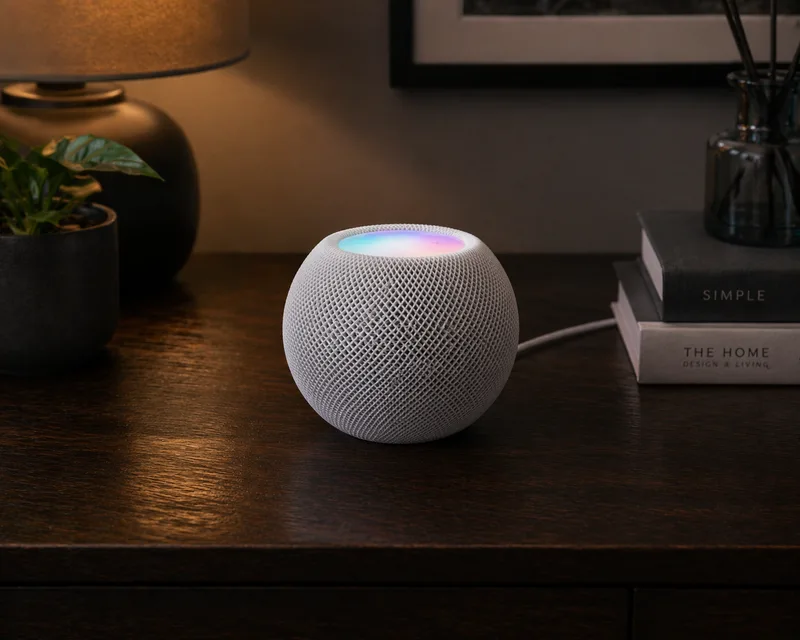
What is Apple HomeKit?
Apple HomeKit is Apple's smart home platform, integrated into every iPhone, iPad, Mac, and Apple Watch via the Home app. It lets you control smart home accessories using Siri voice commands, the Home app, or automation rules.
HomeKit is known for its strong privacy focus: all communication between your Apple devices and your accessories is encrypted end-to-end, and Apple does not have access to your home data.
How Does HomeKit Work?
HomeKit accessories communicate either directly over Wi-Fi or via a hub. An Apple TV (4th generation or later), HomePod, or HomePod mini acts as the HomeKit hub, enabling:
- Remote access: Control your home when you're away
- Automations: Run rules even when your iPhone isn't home
- Secure Video: Store camera footage end-to-end encrypted in iCloud
HomeKit also supports the Matter standard, meaning new Matter-certified devices work across HomeKit, Google Home, and Amazon Alexa simultaneously.
What Can You Do With HomeKit?
- Siri control: "Hey Siri, turn off all the lights downstairs"
- Scenes: One tap to set multiple devices at once (e.g. "Movie time" dims lights and lowers blinds)
- Automations: Trigger actions by time, location, sensor state, or when someone arrives home
- Secure Video: End-to-end encrypted camera storage in iCloud
- Works with: Philips Hue, Aqara, Eve, LIFX, Nanoleaf, and many more
Limitations of Apple HomeKit
HomeKit has a smaller device ecosystem than Google Home or Alexa, though it has grown significantly since the introduction of Matter. Automations are straightforward but less powerful than platforms like Home Assistant. An Apple hub (Apple TV, HomePod) is required for remote access and automations.
Getting Started with Apple HomeKit
- Check your hub: Make sure you have an Apple TV (4th gen+) or HomePod set up and signed into iCloud
- Open the Home app: Available on every iPhone and iPad (iOS 16+ recommended)
- Add an accessory: Tap "+" → "Add Accessory" and scan the HomeKit QR code on your device
- Organise by room: Assign each accessory to a room for easier control
- Create automations: Go to Automation tab → "+" to add rules based on time, location, or sensor triggers
Tip: Buy accessories that are "Works with Apple Home" certified or Matter-certified for the best experience. Third-party HomeKit bridges (like Homebridge) can also add unsupported devices.