Smart Remotes, Buttons & Scene Controllers
Handheld remotes, wall-mounted scene controllers, smart buttons, and key fobs that fire any smart-home automation.
About remotes & buttons
What is a smart remote, button, or scene controller?
These devices have one job: trigger an automation when you press them. They don't directly switch a light or open a lock. They send a signal that your smart-home platform turns into an action. That indirection is what makes them powerful: a single Aqara button can play music, dim the lights, and arm the alarm, all from one tap.
Common form factors:
- Smart buttons: small, single- or double-press, magnetic or adhesive (Aqara mini button, Hue smart button, Flic).
- Scene controllers: wall-mounted or tabletop, 2–8 buttons, often labeled (Lutron Pico, Inovelli scene controller, Aqara H1).
- Handheld remotes: TV-remote style, usually paired with lighting (Hue dimmer remote, IKEA STYRBAR, Philips Hue Tap).
- Key fobs: pocket-sized, for arm/disarm or away/home routines (Aqara key fob, Z-Wave fob remotes).
Which protocols do smart remotes use?
Battery life is the deciding factor. Wi-Fi remotes are rare because they'd last days, not years. Zigbee and Z-Wave dominate, with Bluetooth (Flic, Shortcut Labs) as a niche third. Matter support for buttons exists in spec but is still uncommon in shipping products.
Shop remotes & buttons on Amazon
Browse current bestsellers and deals matching “smart home scene controller”.
Featured devices
See all 250 →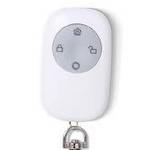
Heiman
Smart remote controller
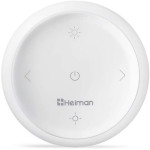
Heiman
Remote dimmer and color control
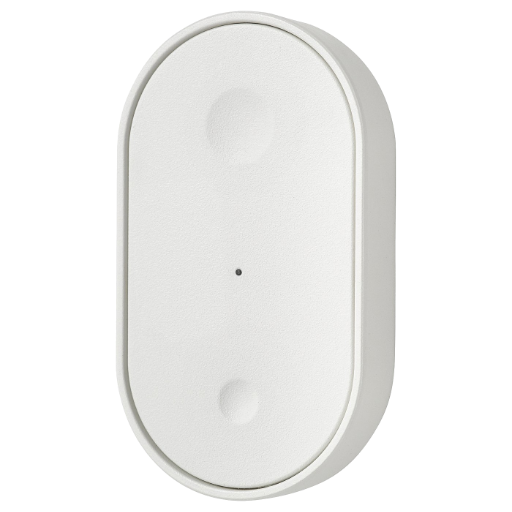
IKEA
BILRESA remote control with buttons
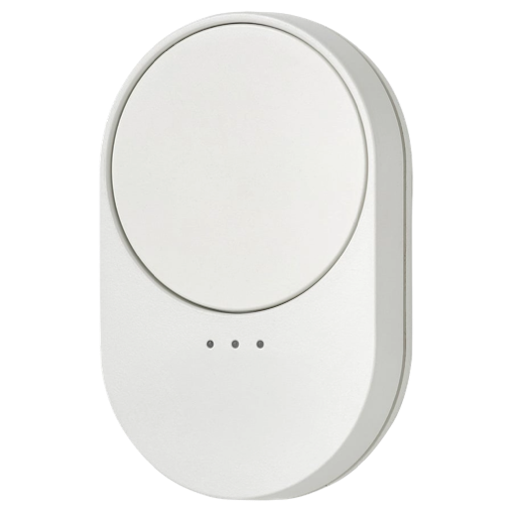
IKEA
BILRESA remote control with scroll wheel
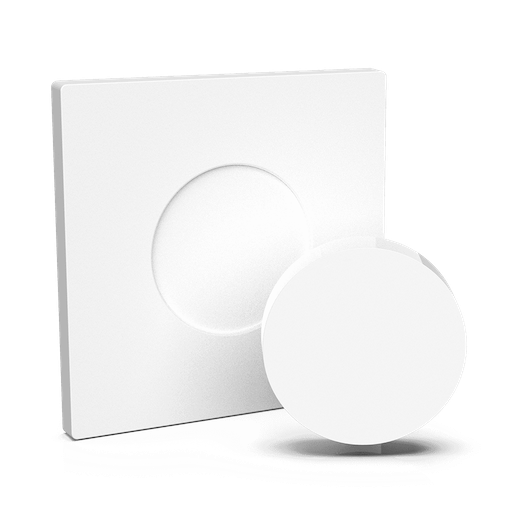
Innr
Remote control
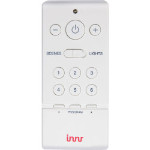
Innr
Innr RC 110 Remote Control
Aqara
Wireless remote switch (single rocker), 2016 model
Aqara
Wireless remote switch (single rocker), 2018 model
Common use cases
- One-press 'Movie' scene that dims lights, closes blinds, and turns on the TV
- Pico remote on the bedside table that turns off every light in the house
- Aqara button by the door that arms the alarm and triggers 'Goodbye'
- Key fob in the car that opens the garage and turns on the porch light
- Hue dimmer switch in the kid's room that only controls their lamps
Remotes & buttons compatibility by ecosystem
Home Assistant
Devices confirmed via Zigbee2MQTT, Z-Wave JS, or Matter DCL.
250 devices
Google Home
Devices listed as compatible via Matter or Google Home integrations.
59 devices
Apple Home
Devices listed as compatible via Matter or HomeKit.
38 devices
Amazon Alexa
Devices listed as compatible via Matter, Zigbee, or Alexa skills.
61 devices
Browse by protocol
Related categories
Frequently asked questions
What's the difference between a smart button and a scene controller?
A smart button is usually a single-press device: Aqara mini button, IKEA TRÅDFRI shortcut button, Hue smart button. A scene controller has 4–8 buttons, often with a small display, designed to live on a wall: Lutron Pico, Inovelli scene controller, Aqara H1. Both fire automations. Scene controllers just give you more buttons in one device.
Are Lutron Pico remotes worth it if I'm not all-in on Lutron?
Many Home Assistant users buy Pico remotes purely for their build quality and battery life (10+ years on a single CR2032). They pair with a Lutron Caseta hub or a Hubitat, then expose individual button presses to HA. Yes, they're worth it, especially as bedside/entryway controllers.
Do smart remotes need a hub?
Zigbee remotes (Aqara, Hue, IKEA, SONOFF) need a Zigbee coordinator, either a vendor hub or a USB stick paired with Zigbee2MQTT or ZHA. Z-Wave remotes need a Z-Wave hub. Matter remotes (still rare in this category) connect directly to any Matter controller. Wi-Fi-only remotes are uncommon because battery life suffers.
Can I use a smart button to fire any automation, not just one?
Yes. Most platforms expose **single press**, **double press**, **long press**, and (on some models) **rotation**, **shake**, or **release after hold**. That gives a single physical button 4–6 distinct triggers. Hue, Aqara, and Lutron all support multi-action mappings. Home Assistant's Blueprints make wiring them up almost trivial.
Looking for a specific remote?
Search all 250 remotes & buttons