The 4 CHANNEL RELAY is a Z-wave switches by JR Automation Technology. It works with Home Assistant.
Compatibility
Compatibility data may be incomplete. Useorto indicate whether it matches your experience.
Shop JR Automation Technology on Amazon
Browse current JR Automation Technology smart home products and deals on Amazon.
Featured JR Automation Technology devices
See all →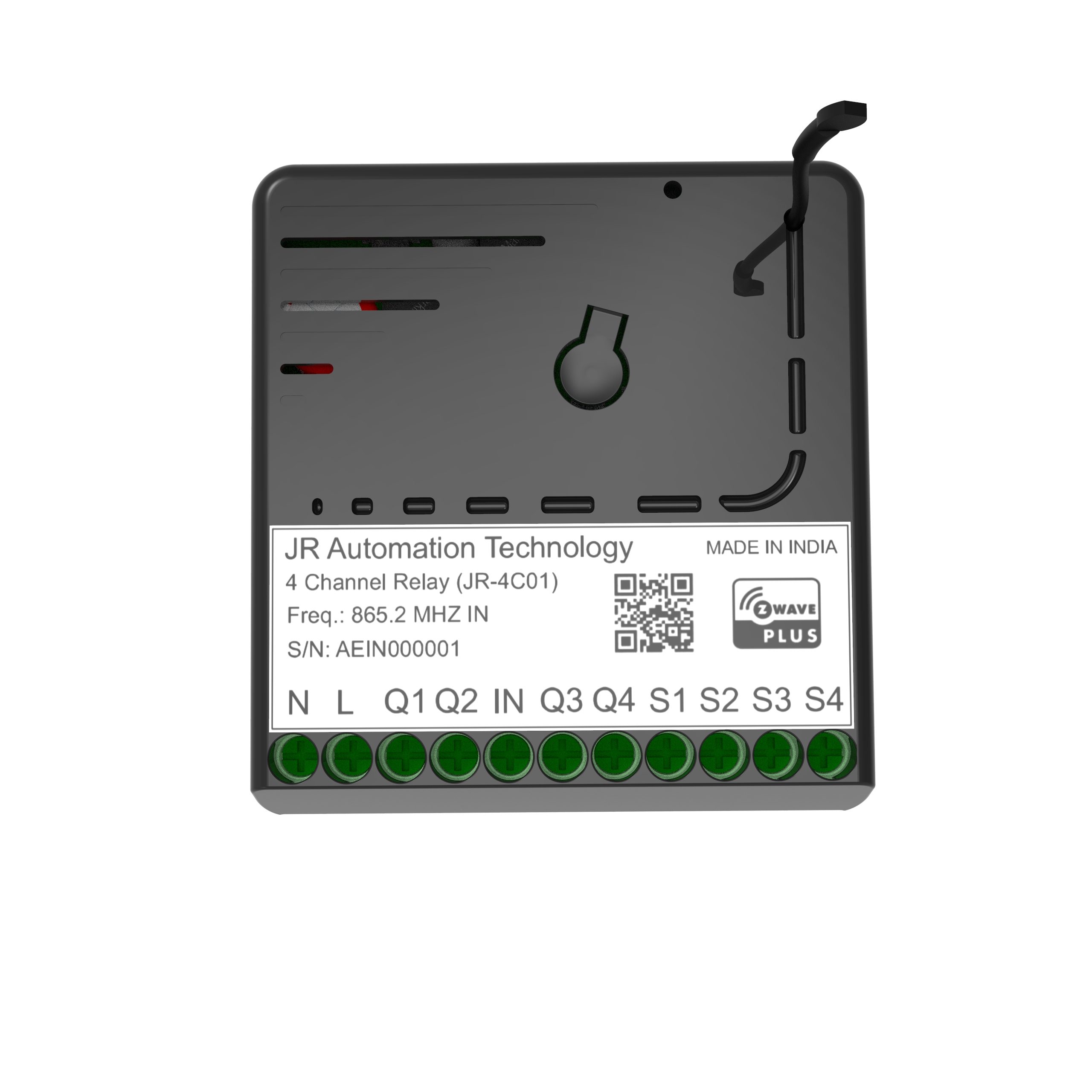
Setup instructions
To add the device to the Z-Wave network: 1. Keep the device in Z-Wave range. 2. Power the device. 3. Set the main controller in (Security/non-Security Mode) add mode (see the controller's manual). 4. Quickly, three times press the Config Button, LED color will change from Red to Blue. 5. Wait for the adding process to end. 6. Successful adding will be confirmed by the Z-Wave controller's Message and LED Colour will change to Green
Frequently asked questions
Does the 4 CHANNEL RELAY work with Home Assistant?
Yes — the 4 CHANNEL RELAY is supported by Z-Wave JS, the modern Z-Wave stack used by Home Assistant. Pair it through the Z-Wave JS UI or the Home Assistant Z-Wave integration. A Z-Wave controller is required.
What protocol does the 4 CHANNEL RELAY use?
The 4 CHANNEL RELAY communicates over Z-Wave.
Data: zwave
← Back to results