FEATURES: Manual or Z-Wave® on/off, brightness, and RGBW color control Perfect for programming your existing RGBW LED strip Smooth dimming with instant status updates Installs behind your existing wall switch (on/off or momentary) 800 series Z-Wave® chip for better range and faster control Z-Wave® Long Range for ultra reliable no-mesh communication Advanced configuration including adjustable ramp rate Built-in Z-Wave® signal repeater for boosted communication SmartStart and S2 Security for a saf
Compatibility
Compatibility data may be incomplete. Useorto indicate whether it matches your experience.
Shop Zooz on Amazon
Browse current Zooz smart home products and deals on Amazon.
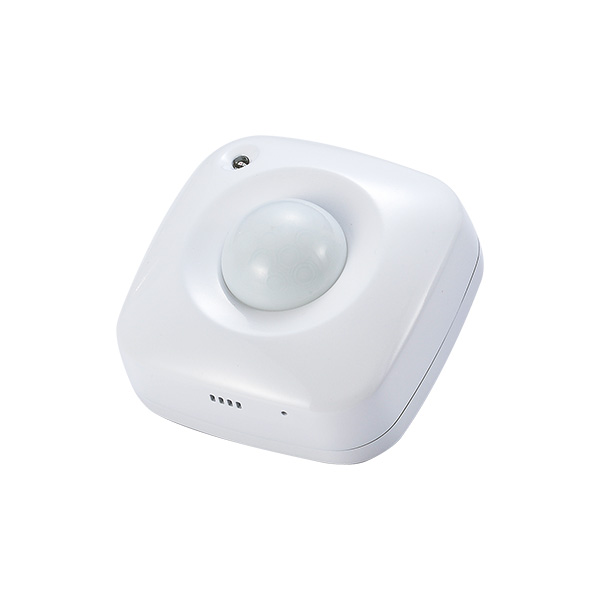
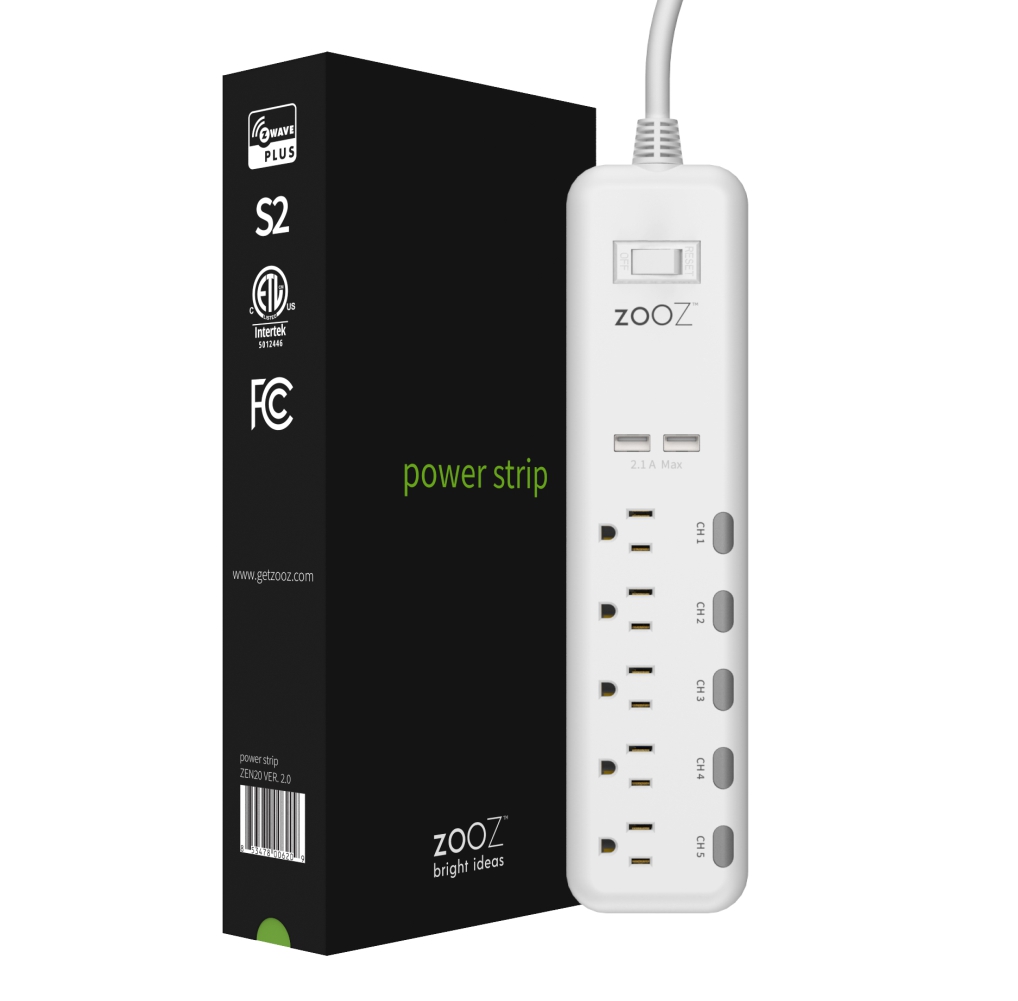
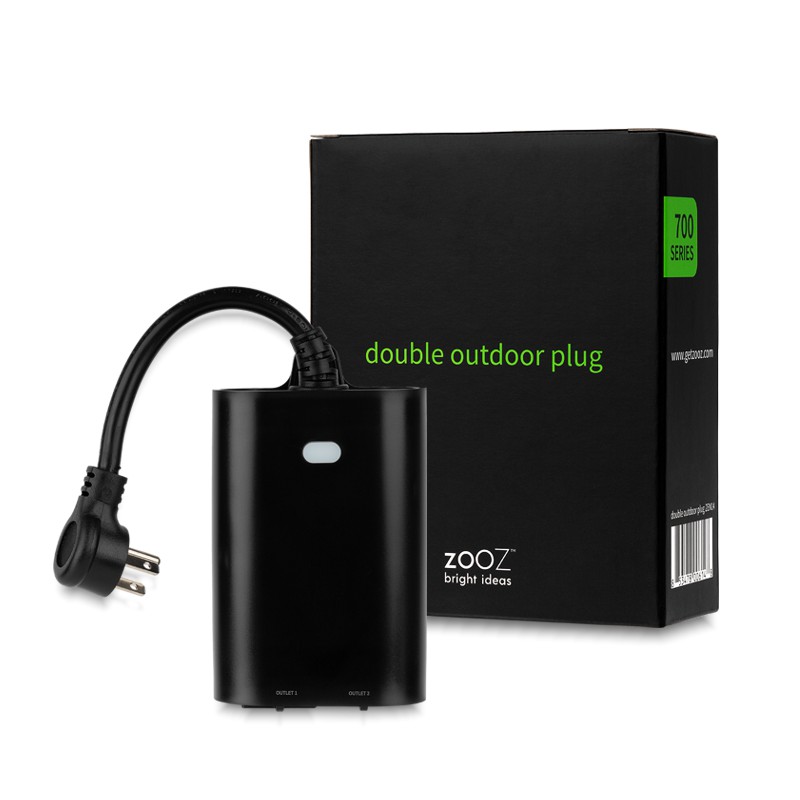
Featured Zooz devices
See all →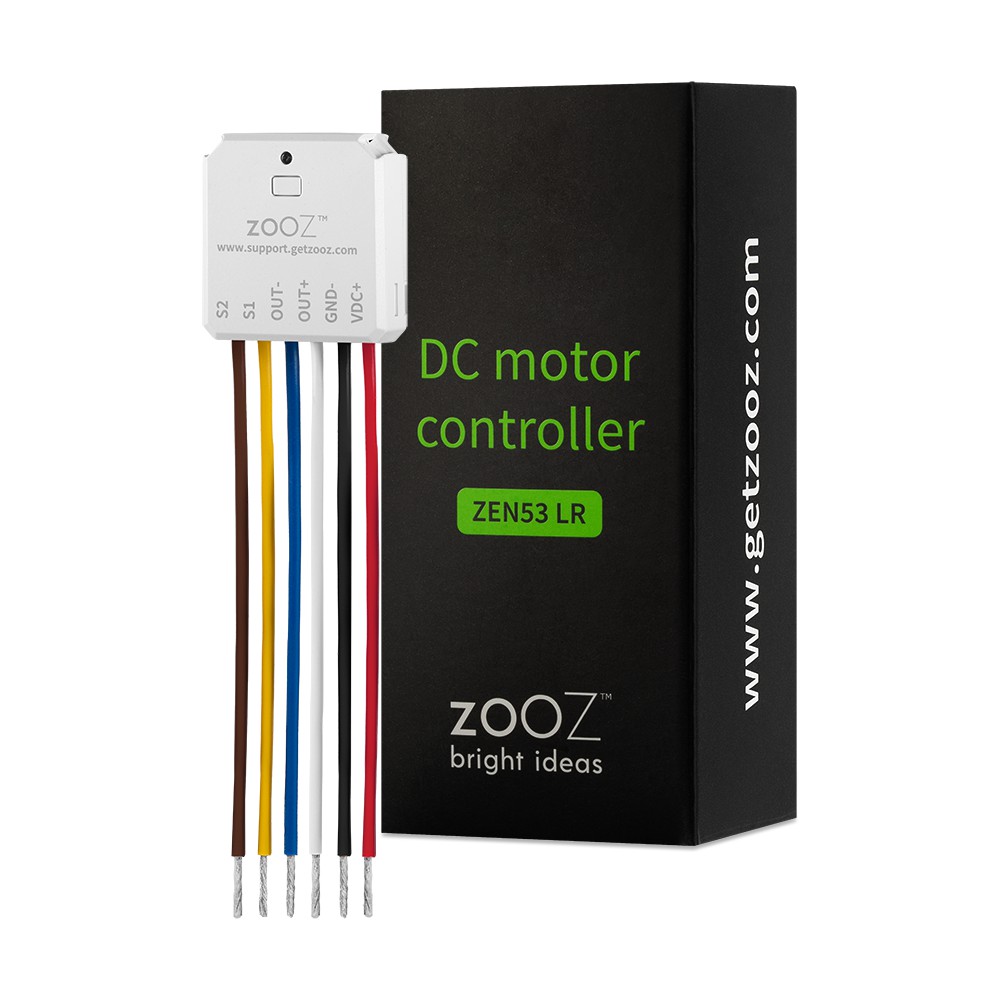
Setup instructions
Tap the Z-Wave button 3 times quickly. The LED indicator will blink green to indicate communication. It will turn green for 3 seconds if inclusion is successful or red for 3 seconds if inclusion fails.
Frequently asked questions
Is the RGBW Dimmer compatible with Home Assistant?
Yes — the RGBW Dimmer works with Home Assistant over Z-Wave via the Z-Wave JS integration. A Z-Wave controller is required.
What protocol does the RGBW Dimmer use?
The RGBW Dimmer communicates over Z-Wave.
Data: manual
← Back to results